


SlotLair Casino Mobile App for UK
Gameplay often happens outside a planned setting. We developed Slot Lair to achieve immediate accessibility at that specific moment. The mobile version of the application enables users to access the system with straightforward entry methods. The application loads immediately while users can navigate through the interface using the same patterns they learned to use from the initial screen.
Top Features
The application provides complete functionality from the beginning of the first user session. Users can make deposits through a single payment screen which requires a £20 minimum for all payment methods. The Slot Lair app keeps all payment methods on a single screen and provides the same functionality across the platform. Withdrawals follow the same logic. Requests are submitted from the profile and stay visible during processing, without forcing re-entry.
Welcome bonuses, reloads, and weekly free spins appear as live cards. The full welcome package scales up to £10,000 and stays visible as play continues. Players can achieve VIP status after they complete a €2,500 total deposit. The system provides priority withdrawal access and increased bonus limits.
Tournaments run continuously and remain accessible from mobile devices. The competition has prize pools which start at £500 and free spins and extend to multimillion-pound events that include live rankings and countdowns. The system operates both casino games and sports betting simultaneously while football matches alone reach over 1,000 live events during peak times.
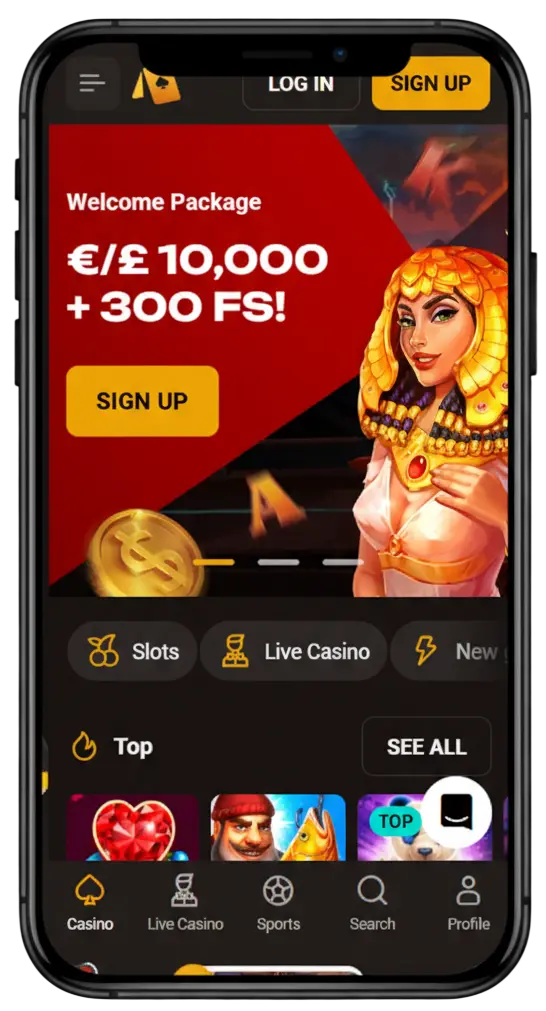
How to Install the SlotLair App on Your Device
SlotLair App download is handled directly through the website and does not rely on app stores. We made installation part of the platform itself. The app is added directly from our website and opens in full-screen mode from the home screen. No app stores are involved, and no extra files are required.
The installation icon is located in the lower-left corner of the screen. Once installed, access stays immediate.
App Installation on Android
Installation on Android is completed through the browser menu by adding the site to the home screen.
- Open our websites in your mobile browser.
- Open the browser menu and select the option to add the site to your home screen.
- Confirm the action to create the app icon.
This method is used for the SlotLair app download for Android and does not require app store access.
App Installation on iOS
On iOS, installation works through Safari using the standard “Add to Home Screen” option.
- Open our websites in Safari.
- Tap the share icon and select the option to add the site to your home screen.
- Confirm to create the app shortcut.
The app launches directly from the home screen. Sessions remain active, and account access follows the same structure used across the platform. This approach is part of the SlotLair app download for iOS and keeps mobile access consistent with the desktop environment.
Supported Devices
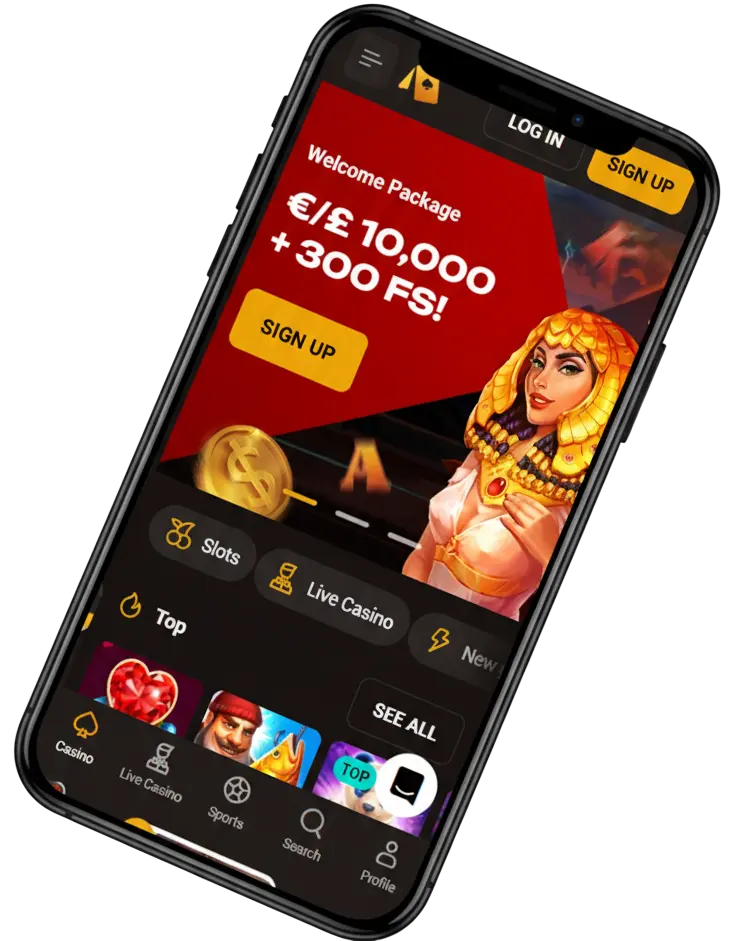
The application operates as a web app on current Android and iOS smartphone devices. The mobile browser installation process uses the Add to Home Screen feature for installation. Users can access the website from devices that support Chrome, Safari and other current mobile web browsers. The system functions without needing users to install native applications or access app stores.
SlotLair Casino App Interface and Navigation
We tested the interface during real play, not in presentation mode. The SlotLair mobile app is designed to stay readable and stable during short mobile sessions. Navigation stays user-friendly when attention shifts fast and sessions stay short.
Dark colours were chosen deliberately to reduce eye strain. Buttons remain visible, and text stays readable when lighting conditions change. Landscape orientation keeps the same layout and interaction logic intact.
Registration and Deposits via the SlotLair App
Registration inside the app is designed for UK players aged 18 + and runs in a single flow. The process opens full access to games, payments, bonuses and support.
Registration steps
- Open the app and tap Register.
- Enter an email address and create a password.
- Confirm basic account details and contact information.
- Make the first deposit using a preferred payment method.
- Access games, bonuses and account tools without switching screens.
Bonuses Available in the App
In the app, it all starts with a £20 deposit. The welcome offer opens immediately and remains active for several deposits. For UK players, the full welcome package reaches £10,000 in bonuses and free spins. The first deposit comes with a 100% bonus up to £3,000 and 100 free spins.
Installing the app gives you additional reward. After installation, 30 free spins are delivered via push notification. They apply to the selected BGaming slot. You stay in one place, and the rewards move with you.
Pros and Cons of the Mobile App
| Pros | Cons |
| Works as a web app on both Android and iOS | Not listed in Google Play or App Store |
| No download from app stores required | Requires browser-based installation |
| Saves device storage space | Updates rely on browser refresh, not store updates |
| Smooth interface optimised for mobile screens | |
| Push-style notifications after installation | |
| Same features as the desktop version |
Security and Account Verification
The SlotLair Casino app uses 128-bit encrypted connections to protect account data and active sessions. Verification is required before withdrawals or after account changes. All checks are handled inside the profile, without pulling the session apart.
Confirming email and mobile can unlock up to 20 free spins. An optional two-factor layer adds extra protection for those who want it.